WordPress 7 was supposed to land today, live on stage at WordCamp Asia 2026 in Mumbai. It hasn't. On 31 March, Matias Ventura confirmed in a post on Make WordPress Core that the cycle is being extended so the team can finish designing the database layer for real-time collaboration. The new release date has now been confirmed: 20 May 2026. The countdown clocks have stopped. The official release party schedule has every date from RC3 onwards struck through.
If you've been refreshing wordpress.org/news this morning waiting for the gold release, you can stop. And honestly, that's probably good news.
Here's the thing the launch headlines were never going to mention. WordPress 7 isn't just another point release with a few new blocks and a fresh admin colour scheme. It's the version that quietly changes what your hosting, your site setup, and your editorial workflow are expected to look like. The fact that the core team hit pause on launch day to rebuild the storage primitives says more than any release post would have.
The Delay, in One Sentence
The team is rebuilding how real-time collaboration data is stored. Real-time editing means multiple people typing into the same post at the same time, with cursor positions, notes, and unsaved fragments flying around. The original approach worked in beta but disabled persistent post caching during active sessions, which is the kind of thing you find on a staging site and immediately back away from.
Ventura's post is direct about it: "The extra time will help ensure we can process all the feedback given so far and ensure the design can stand the test of time." A few weeks of delay to get the database design right is, frankly, the only sensible call.
What WordPress 7 Actually Brings (When It Lands)
A quick honest summary, no marketing fluff. Confirmed in the Beta 1 announcement:
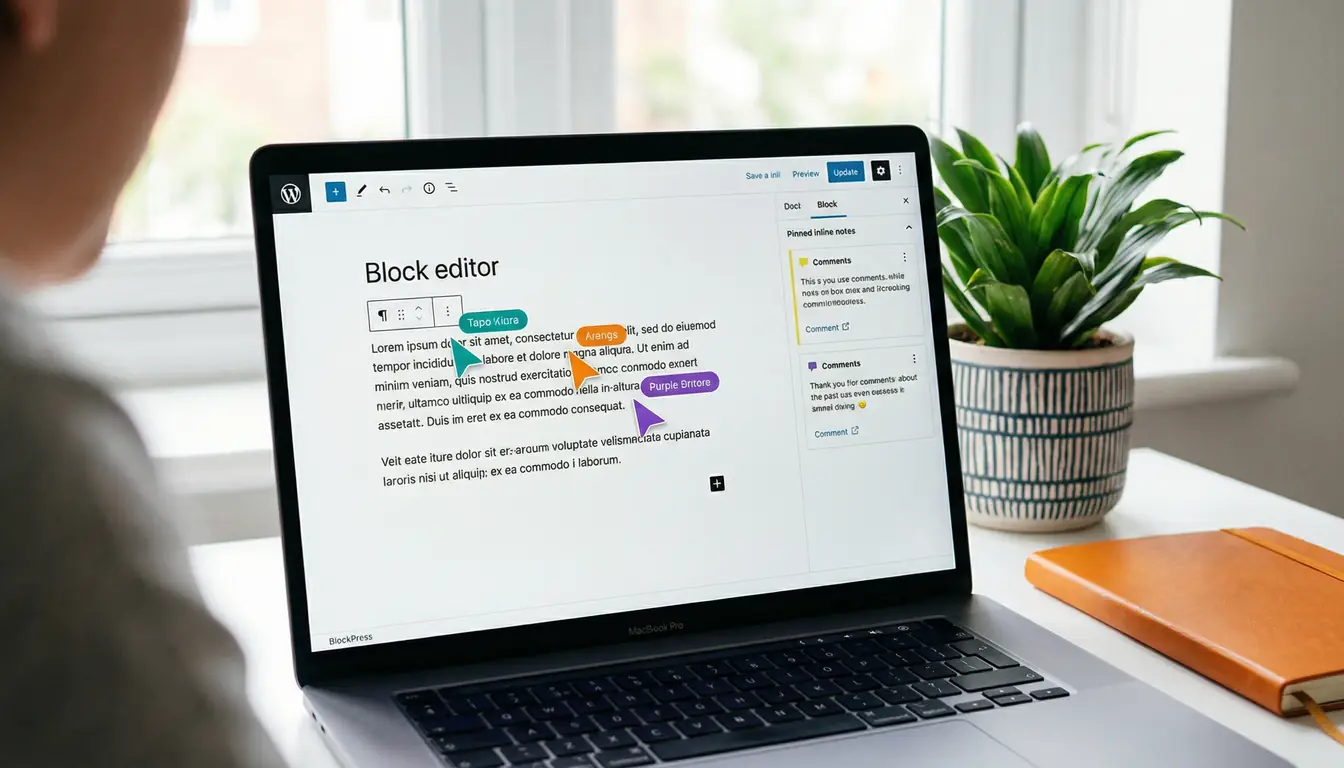
- Real-time collaboration in the block editor. Multiple people, one post, like Google Docs.
- Notes: in-editor comments pinned to specific blocks or text fragments.
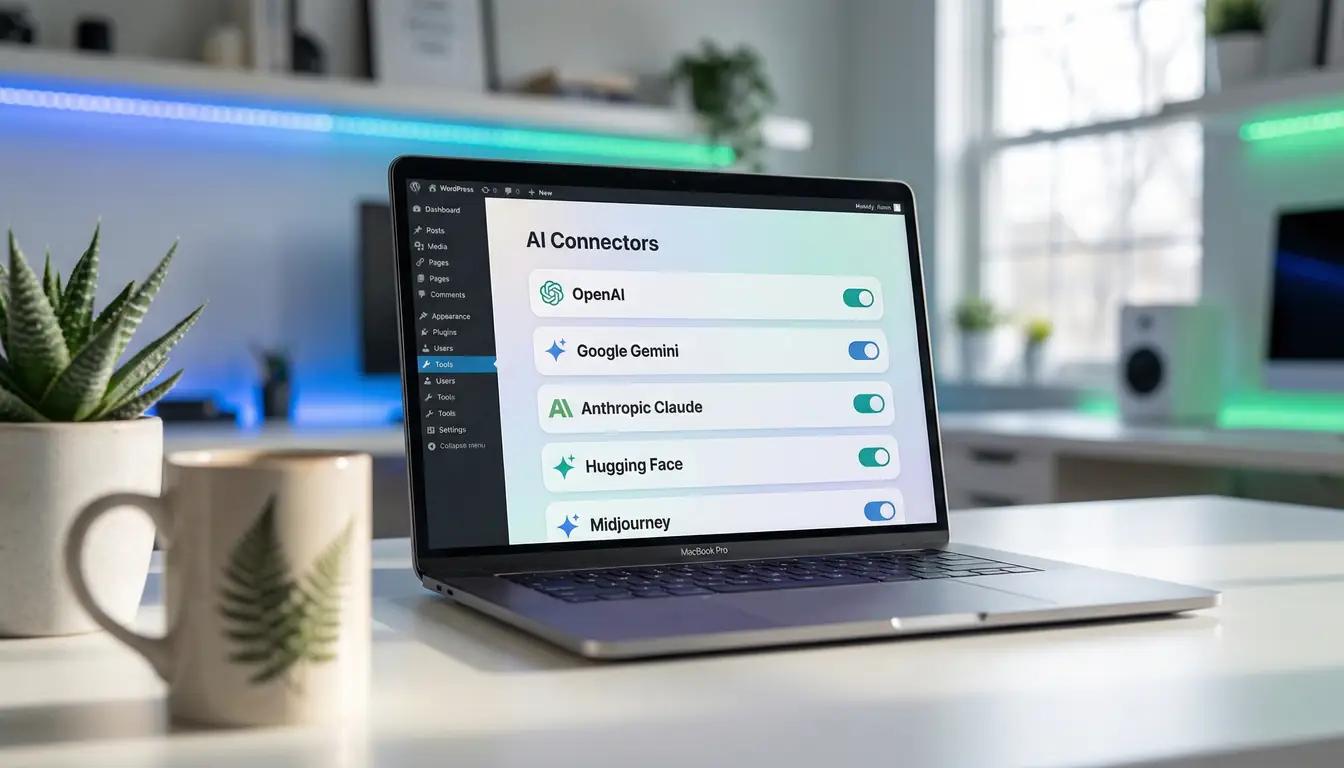
- The Web Client AI API: a single in-core interface for plugins and themes to talk to any AI provider. This is the headline change. WordPress is finally getting a standard AI layer instead of every plugin shipping its own OpenAI key wrapper. We dig into what the AI Client and Connectors API actually do, and the budget risk they introduce.
- DataViews and DataForm: the long-promised replacement for the ancient
WP_List_Table. App-like, much faster, much more pleasant to look at. - Client-side media processing: image resizing and compression done in the browser before upload, which takes load off your server.
- PHP 7.4 minimum, with PHP 8.2+ recommended for the AI features.
Quieter but arguably just as important is the expansion of Block Bindings to custom blocks, which finally gives WordPress a proper separation between what's displayed and where the content lives.
That's a genuinely big release. None of it changes the words on your homepage tomorrow.
Most Sites Won't Benefit on Day One
This is the bit nobody likes to say out loud. New features in core only matter when the rest of the stack catches up. Real-time collaboration isn't useful if you're the only person editing the site. The AI client doesn't magically make your CMS smarter, it just gives plugin authors a tidier place to plug in. Client-side media processing only helps if your visitors arrive on devices that can handle it.
For most small businesses we work with, day-one WP7 will look almost identical to day-zero WP6. The dashboard will have a fresh coat of paint, the new blocks will sit in the inserter waiting to be used, and life will go on. That isn't a criticism, it's just how core releases tend to play out. The shift is in the foundation.
The Hosting Story Nobody Wanted to Bury
Real-time collaboration runs over HTTP polling by default, with optional websockets if your host supports them. The AI client makes outbound calls from your server to whichever model your plugin is wired to. Client-side media processing assumes a sensibly sized PHP worker and a modern PHP version. None of this breaks on cheap shared hosting, but none of it shines there either.
This is where the hosting decision starts mattering more than the theme decision. Our sister company 365i runs PHP 8.5 by default on every install, has the websocket fallback configured server-side, and gets the AI connector requirements right out of the box. They've been preparing for WP7 specifically, and they wrote a hands-on piece on what your hosting provider isn't telling you about the release, plus a tested walkthrough of what the AI connectors actually do in beta.
We don't host sites ourselves. We build, design, and look after them. When a client asks "where should this thing live?" the answer for any WP7-ready build is the same: somewhere that's actually been set up for it.

Plugin Developers: The Delay Is a Free Window. Use It.
If you build plugins or themes that touch AI, the schedule slip is the best news you'll get this month. The Web Client AI API is meant to be the standardised way every WordPress AI integration works from now on. One in-core layer, every provider, no more hand-rolling OpenAI keys into your plugin settings page. The day WP7 ships, the directory is going to be loudly judging which plugins use the new connectors and which ones are still on their own bespoke wiring.
You now have a few extra weeks of borrowed time. Use them. Pull RC2 onto a test install, wire your plugin to the new abilities API, test on PHP 8.2+, and have a "tested up to 7.0" badge ready for launch day. The plugins that ship WP7-compatible from day one will pull users away from the ones that don't. Do it now, not the day before. The team that waits a fortnight is the team that spends the next month explaining why they're behind.
So Should You Wait, or Should You Care?
Three quick groups.
Update the day it lands. Editorial teams who genuinely write together, agencies running multi-author client sites, anyone building plugins or themes that touch the AI layer, and developers itching to use the new APIs. For you, WP7 is a step change. The collaboration alone is worth the upgrade.
Care, but don't rush. Most small business sites. Wait for the first patch release (7.0.1 usually lands within a fortnight), make sure your plugins and theme have all said "tested up to 7.0", and then update during a maintenance window. Nothing in WP7 will make your existing site faster on its own. A proper speed optimisation pass and a hosting move will do far more for you in the same week.
Carry on as you were. Brochure sites that haven't been touched in months. There's no urgency. Get your WordPress maintenance and security up to scratch first, ideally with the help of our security checklist. WP7 will still be there when you're ready.
The Bottom Line
The delay isn't a setback. It's the team being honest about what real-time collaboration actually needs from the database underneath it. The new schedule lands the release on 20 May 2026, with RC3 on 8 May and RC4 on 14 May. Six extra weeks past the original WordCamp Asia date, and it'll be better for the wait.
If you want a hand thinking through whether your current setup is WP7 ready, or whether your WordPress site is overdue a tune-up before the upgrade lands, drop us a line. Otherwise, refresh wordpress.org/news on a slower schedule and get on with your day.
Getting Your Site WP7 Ready
From a speed audit to a hosting move to a proper plugin clean-up before the upgrade, we handle the unsexy work that turns WordPress 7 from a release note into a real improvement. Have a chat with us first.
Get in TouchPublished: 9 April 2026 · Last reviewed: 26 April 2026 · Written by: Mark McNeece, Founder & Lead Developer, Press Forge
Editorially reviewed by: Mark McNeece on 26 April 2026 · Our editorial standards
Sources
- Extending the 7.0 Cycle - Matias Ventura, Make WordPress Core (31 March 2026)
- WordPress 7.0 Release Tracker - Make WordPress Core (confirms 20 May 2026 final release, RC3 on 8 May, RC4 on 14 May)
- What's new for developers? (April 2026) - WordPress Developer News
- WordPress 7.0 Release Party Schedule - Make WordPress Core
- WordPress 7.0 Beta 1 Announcement - WordPress News
- WordPress 7.0 Release Candidate 2 - Mary Hubbard, WordPress News
- WordPress Delays Release Of Version 7.0 To Focus On Stability - Search Engine Journal
- WordPress 7.0 release postponed - WordPress VIP Customer Hub